
Switching to Veo and Seedance in Four Days After Kling's Price Hike
One day, without warning, the pricing tier of the video generation AI I had been using disappeared, and a $150 trial package became a $700 minimum. This is the record of migrating to Veo within four days and then moving again to Seedance. Laid out with the actual logs, it shows that a prompt is nothing more than a calibration to a specific model, and that the same sentence changes its meaning when the engine changes.
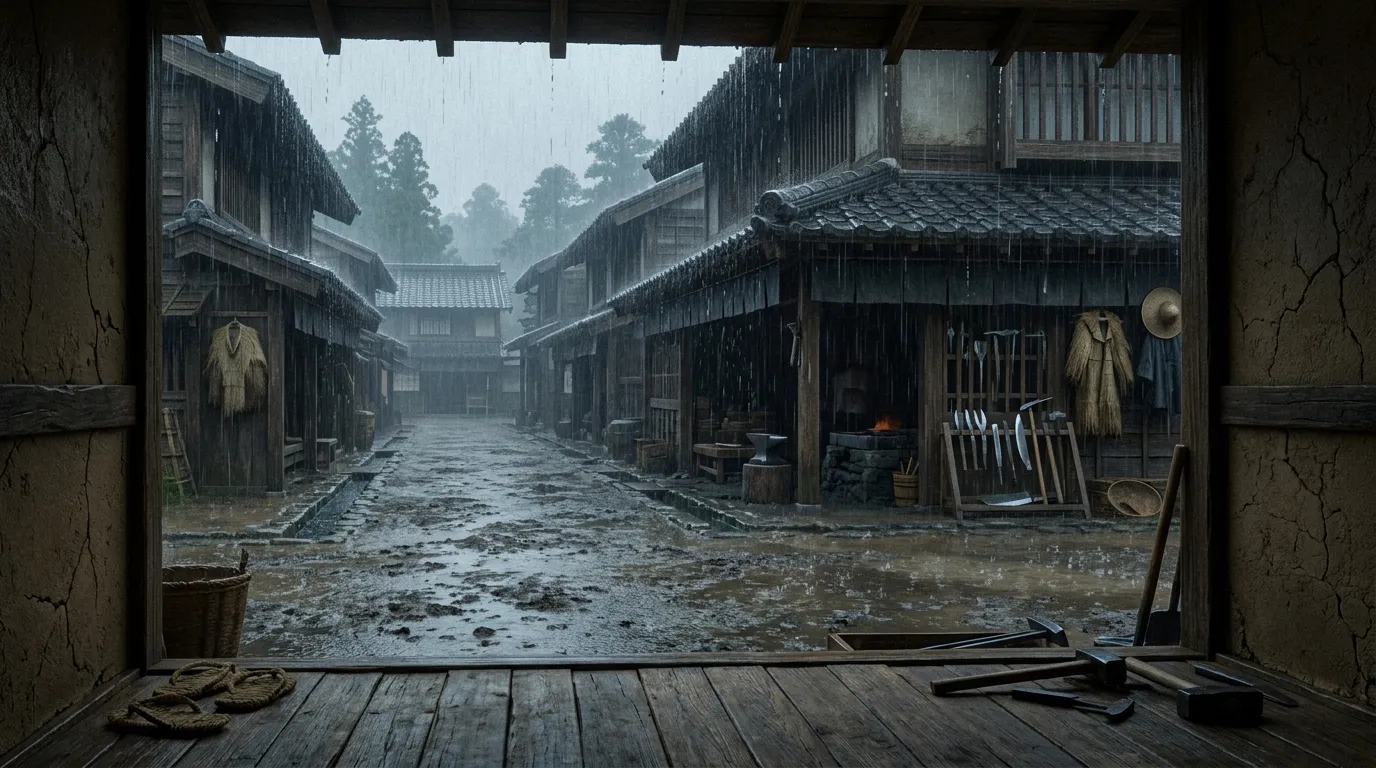
On the evening of August 4, 2026, I opened the pricing page of Kling AI, which I had been using in the production pipeline for my YouTube channel “Sounds of Rain in Old Japan” (the full picture is here), and could not believe my eyes. The line of trial resource packages I had been buying — most recently 1,500 units for three months at $150.15 (tax included) — was gone. All that remained was a plan with a $700 minimum.
Sounds of Rain in Old Japan is a channel with no revenue. What is more, when I checked the invoices against the admin console at the time, I had used only 40.5% of the first one-month package (1,000 units, $98), and only 20% of this three-month package by its expiry. I had already been buying more than I could use up, and with a $700 minimum on top of that, it was not an amount at which I could casually keep producing. That same day I began investigating a migration to Google Veo 3.1, completed the migration the same day, and yet two days later I was evaluating Seedance because of a different problem — I ended up switching video engines twice in four days.
This article is the record of those migrations. What I want to share is not which model is better, but a reality each migration drove home: a prompt is not a universal specification; it is a calibration to the quirks of a specific model, and when you switch models it stops fitting.
Migrating from Kling to Veo in One Day
When I looked into Veo’s pricing, what I found was encouraging:
| Kling | Veo 3.1 Lite | |
|---|---|---|
| Effective unit price | $0.112/sec (v3-omni pro 1080p) | $0.08/sec |
| Generation time | 6–15 minutes | 91 seconds |
| Output resolution | 1076×1924 (an odd size, for some reason) | Exactly 1080×1920 |
What worried me most about using Veo was not the price but camera movement. The lifeline of this channel’s videos is that they are “a fixed viewpoint, in which almost nothing moves,” and months of trial and error to make Kling hold the camera still had been baked into the prompts (do not zoom, do not pan, do not slide, do not drift… a litany of negations).
Veo had an API parameter called last_frame. It pins the final frame of the clip to the same still image as the starting image, and months of incantations were replaced by a single function argument. Camera drift measured with the same still image and the same prompt was 0.00 pixels over 192 frames. The camera did not move.
The migration was completed the same day. That would have been the end of it, if not for what happened next.
Frozen Steam and Interpretation Shifts
On the day of the migration itself, I noticed it while watching the generated video. The steam rising from a pot in the scene was standing completely still. Kling had naturally animated steam, flames, and the flicker of candles without being asked, but Veo animated only the rain and the cat, completely ignoring the steam.
What I found when I looked into it was a fundamental difference in how the two models interpret prompts:
Veo moves only what is listed in the prompt. Kling infers plausible environmental motion (steam, flames, flicker) on its own and adds it.
And here was the trap. My prompt contains the sentence Nothing else moves. This was a safety device written during the Kling era, meaning “do not invent unnecessary motion on your own.” Under Veo, however, the same sentence was being interpreted literally: “even if there is steam or flame, freeze it.”
Not a single character of the prompt had changed, yet its meaning had shifted entirely. When I listed steam explicitly, motion in that region increased 4.1 times. From then on the prompt needed an explicit list of things that should move (steam, smoke, flame, mist) and a rule that things that look like they might move in the wind (noren curtains, laundry) are named and held still. With Kling, silence led to sensible inference; with Veo, every moving and non-moving element had to be declared.
The Issue with Frozen Rain Lines
On August 6, when I had moved the long-form pipeline to Veo as well and made a 30-minute video, a more serious problem appeared. The lines of rain were not falling. Some of the rain lines drawn in the still image were not animated, producing an effect that looked like rain stuck to glass. The video that came out looked as if the far side of the raised entry step (agarikamachi) were covered in a glass pane. No matter how I tuned the prompt, I could not solve this problem of stopped rain lines.
On a channel whose entire premise is falling rain, frozen rain lines are a dealbreaker.
Migrating from Veo to Seedance
The next candidate was ByteDance’s Seedance. The first thing I checked here was not quality but the terms of service. Where the rights to the generated output belong, and what the indemnification clause says, are items that should be confirmed before the unit price.
Our pipeline uses separate models for image generation and video generation. An indemnification that covers only one of the stages does not cover the final deliverable, which is a single composite work. When reviewing terms, one must think per deliverable, not per process step.
Having checked the terms, I loaded $10 and ran a test. On seeing the first generation result, I wrote this to the AI agent generating the prompts:
There was an animation of water welling up from under the road like a fountain, so honestly this cannot be used.
Here is that fountain in action. Water bursts and gushes out of the road in front of a smithy:
Two hours later, after restructuring the prompt, the situation reversed:
The content is perfect. I want to make Seedance the default engine.
After two hours of adjusting the prompt, the generation quality improved dramatically. Seedance interpreted prompt structures very differently from Kling. Once I removed the workarounds tailored specifically to Kling’s quirks, the water stopped welling up from the road.
A model I was about to abandon became the default engine two hours later. I added a $50 resource package and switched both pipelines to Seedance.
The Struggle with Phantom Water
One problem remained with Seedance: the video generation model seemed to assume that every horizontal surface was water.
From the logs of my exchanges with the AI agent on August 7:
17:35 There is an unnatural, strong splash of water hitting the road. The flames are fine, but
17:57 C: the flames are fine, but ripples like those on a water surface spread across the road. It is an animation as if it mistook the road for water.
19:29 The cat’s movement is truly a faint breathing motion, and realistic. Better than Veo. But there is one large ripple standing on the stone-paved street outside as if it were a water surface, and that is the problem.
19:36 The stone pavement area has improved… but for some reason a flow of water has been added to the floor right in front of the cat.
Four rounds of rewriting constraints to make ripples smaller and fewer failed to clear the water. Then at 19:42, I suggested to the agent:
At this point, would it be better not to specify Ripple in the first place?
That proved to be the answer. The log six minutes later reads:
19:48 It has become extremely natural. A perfect animation. Honestly, I am surprised at how high the level is. This is a major discovery.
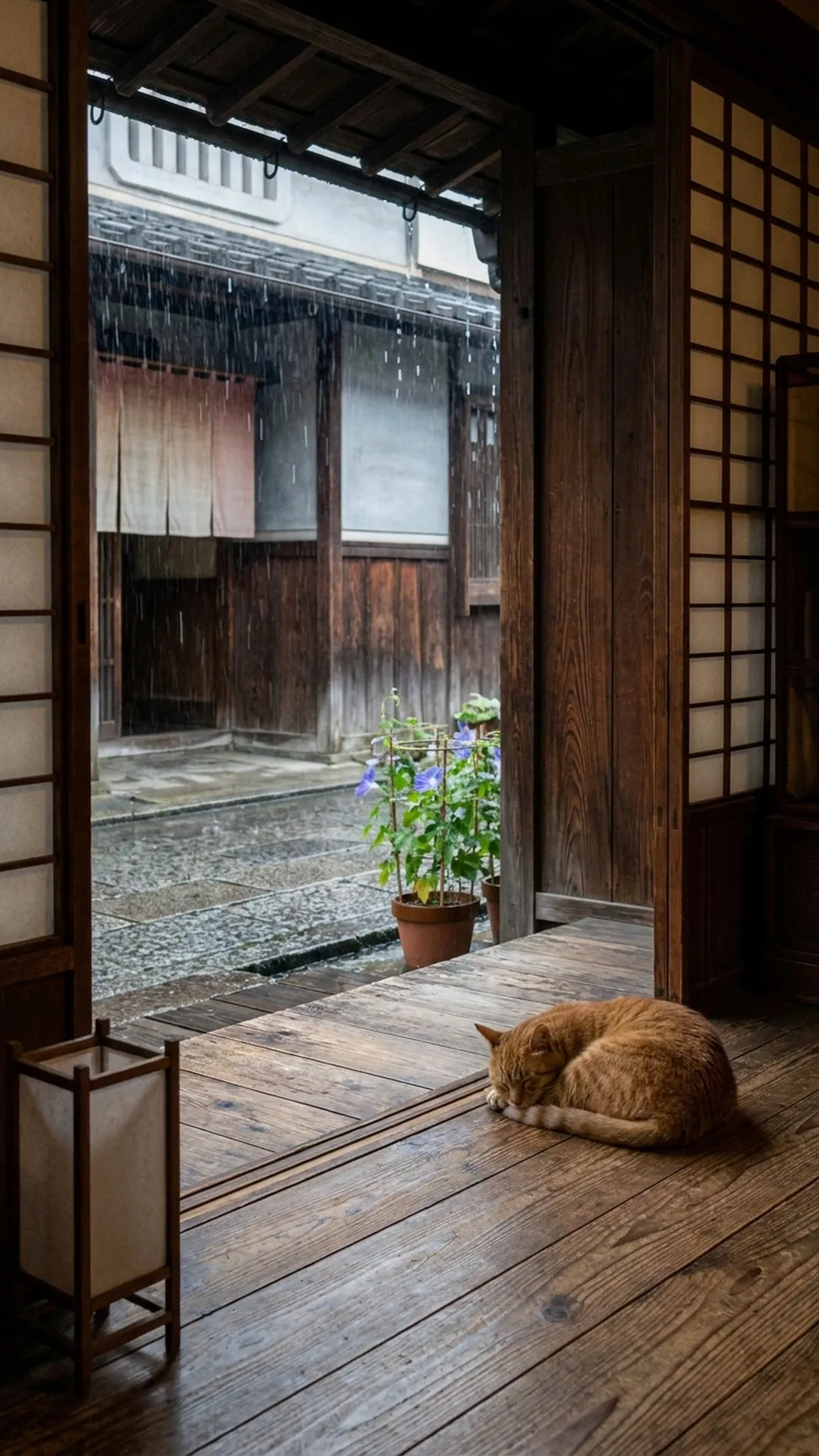
This is that 19:48 scene. The water vanished from the floor and stone pavement.
Naming a phenomenon in order to suppress it often summons that phenomenon. To the model, the sentence “faint ripples on the wet stone pavement” is primarily a directive for ripples. The adjectives had almost no dampening effect, while the noun carried full weight. The only reliable way to avoid ripples was to omit the word entirely.
This was the exact opposite of the rule for camera control:
- Camera movement: list every movement you want to forbid (no zoom, no pan…). Explicit negation works.
- Water: never mention it. Negation summons it.
Why this asymmetry exists is unclear, but both rules of thumb are now baked into our prompt-generation skill and support our daily production.
What These Four Days Taught Us
In summary, three things happened across these four days:
- An external pricing change forced an engine migration.
- On the new engine, the meaning of existing prompts changed (
Nothing else moves.shifted from a safeguard to a bug). - A quality issue forced another migration, uncovering a new calibration rule (omitting water nouns).
Building generative AI into an operational pipeline means building on ground that constantly shifts. Model prices change, tiers disappear, and behavioral characteristics evolve across versions. When a model changes, the prompt assets accumulated to offset its specific quirks lose their utility.
Even so, our pipeline survived two migrations in four days and resumed normal production the following week. That resilience was made possible by loose coupling between stages, centralizing prompts into dedicated skills, and maintaining a tight feedback loop between human review and agent execution.
A pipeline of this kind is not a finished, static build. It requires ongoing adaptation as external models evolve. If you are exploring how to integrate AI agents or generative models into your operations, feel free to get in touch.