
Automating Instagram Reels via API: Writing the Code Took an Hour, Getting the Token Took Four
We built an automated pipeline to cross-post YouTube Shorts to Instagram Reels. While the upload script took about an hour to write, getting a valid long-lived access token through Meta's developer setup took four full hours. Here is the step-by-step setup that actually worked, along with the unexpected gotcha of retroactive AI labeling.
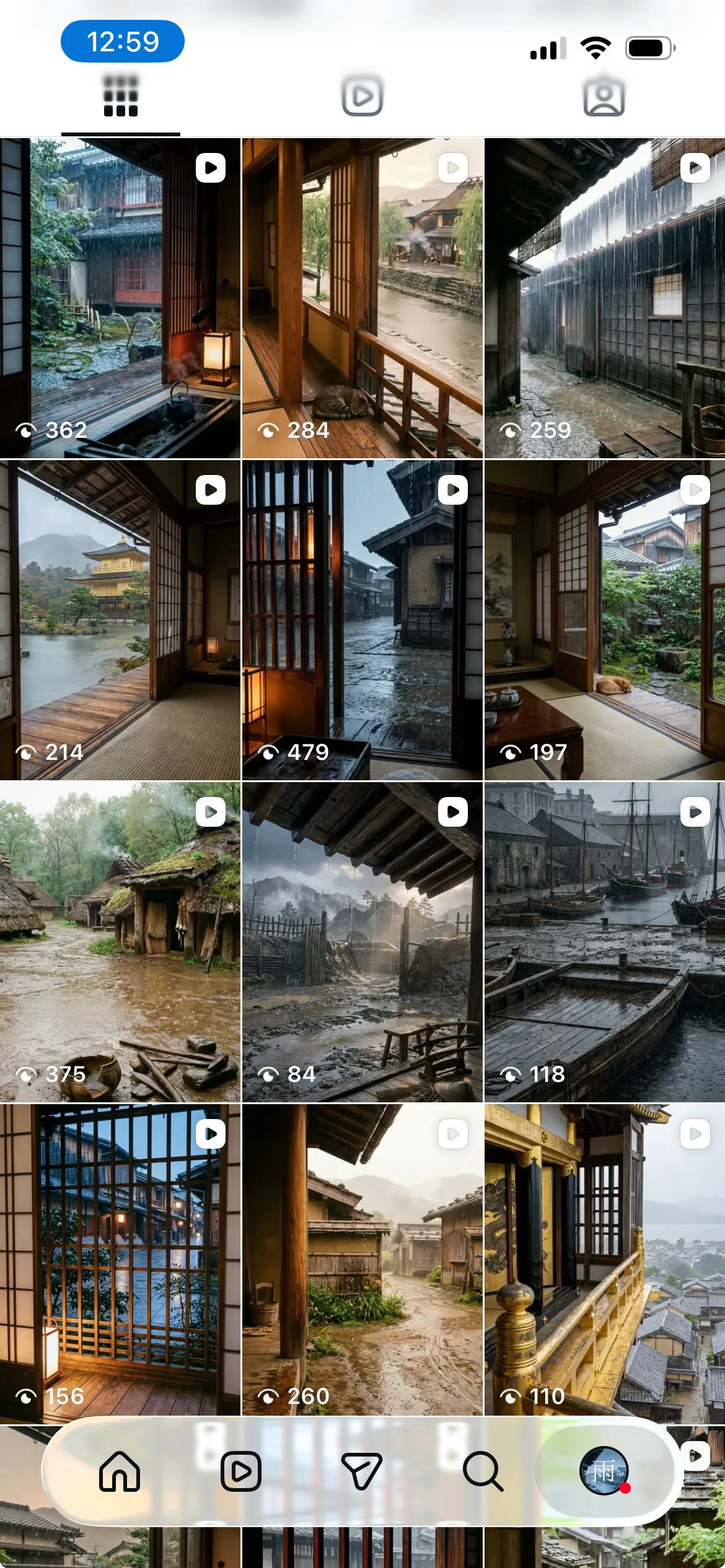
To expand our YouTube Shorts from “Sounds of Rain in Old Japan” to Instagram Reels, I built an automated cross-posting pipeline. The pipeline is simple: whenever a new Short is published on YouTube, the system automatically posts the same video to Reels within 30 minutes.
Downloading the video, uploading it to Instagram’s servers, and requesting publication took only about an hour of Python scripting. But acquiring the single, valid access token required to actually run that script took four full hours.
In this article, I will share how I navigated Meta’s confusing developer dashboards and permission dependencies to get the pipeline working, along with the gotchas along the way.
The Code Took an Hour to Run
Posting to Instagram Reels via the Instagram Graph API takes just two steps:
- Pass the public video URL to create a media container (
POST /{ig-user-id}/media) - Wait for the container status to become
FINISHED, then request publication (POST /{ig-user-id}/media_publish)
In Python, this is just a few dozen lines of code. The trigger was equally straightforward: a shell script runs every 30 minutes via cron, queries the YouTube Data API for newly published Shorts, and calls the Python script whenever a new video is detected.
The real problem was generating an access token that could call those two simple endpoints.
Tangled Account and Permission Dependencies
Anyone who has worked with Meta’s developer platform knows how convoluted its admin screens and permissions can be.
To publish to Instagram, you need all of the following linked properly:
- A personal Facebook account
- A Meta for Developers app
- A Facebook Page
- An Instagram Professional account (Business or Creator)
- Permissions in Meta Business Suite tying them all together
When you create an app on the developer portal, you are asked to choose an app type such as “Business,” “Consumer,” or “Other.” Available permissions differ by type, and reading the official documentation does not clearly tell you which combination is needed to post Reels.
Furthermore, tokens issued through Graph API Explorer—the testing tool—expire in just 1 to 2 hours. To run automated tasks from a server, this token must be exchanged for a “long-lived token” valid for 60 days.
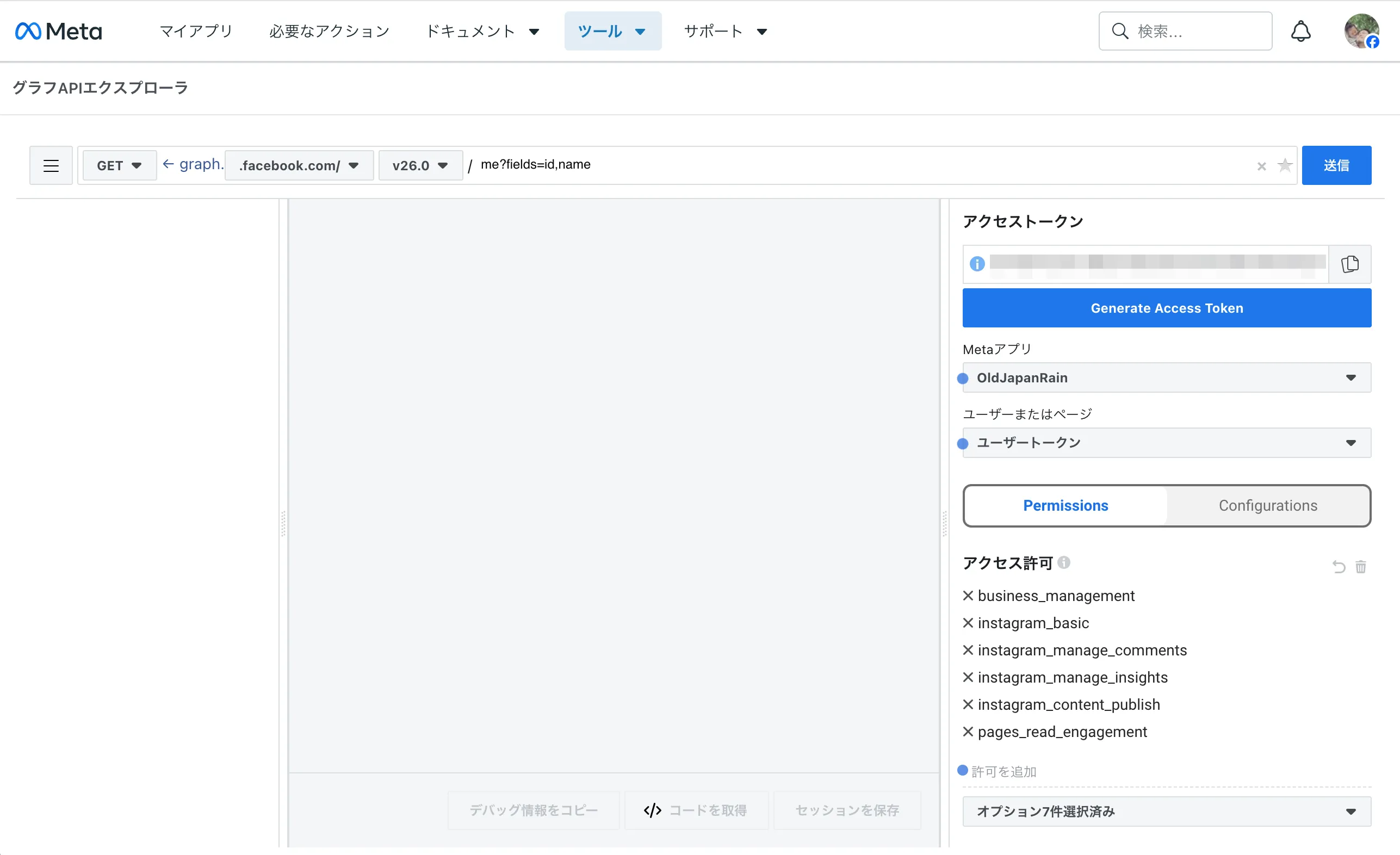
Going back and forth across different screens to generate tokens, every test post command failed with the same error:
{
  "error": {
    "message": "(#10) Application does not have permission for this action",
    "type": "OAuthException",
    "code": 10
  }
}
The error clearly stated that permissions were missing, but gave no clue as to which permission was lacking or on which screen it needed to be granted.
Stopping with the Docs and Querying the API Directly
The more I read the help pages and official documentation, the more confused I became by outdated UI descriptions and contradictory guidance. Even when asking an AI agent for help, it would tell me to “open Page Settings and click here to link,” pointing to buttons that simply did not exist. The UI changes frequently.
Going in circles was getting nowhere, so I asked the AI agent: “Instead of piling on more guesses, query the API directly to inspect the contents of our current token.”
That turned out to be the breakthrough.
Meta provides a dedicated debug endpoint (/debug_token) to inspect token details. When we sent our token there, it reported exactly what was happening:
- The app type was set to “None” instead of “Business”
- The required permission (
instagram_content_publish) was not granted at all - The linked Instagram user ID did not belong to a professional account
Working through each configuration based on the raw data returned by the API allowed me to pinpoint exactly what was missing.
The Cleanest Path to Authentication
In the end, the setup that worked with the least friction and reliably produced a long-lived token was as follows:
- Create the App: In Meta for Developers, create a “Business” type app and add the “Instagram Graph API” product.
- Link Accounts: In Instagram settings, switch to a Professional account (Creator), create a blank Facebook Page, and link the two.
- Facebook Login via Browser: Start a lightweight local Python server (
localhost:8000), open Meta’s OAuth consent screen in a browser, and grantinstagram_basicandinstagram_content_publish. - Exchange for Long-Lived Token: Exchange the returned authorization code for a short-lived token, then use the App Secret to exchange that for a 60-day long-lived token.
Once I stopped clicking through the various “Generate Token” buttons scattered across the dashboard and instead completed a standard OAuth flow in my own browser, I was finally able to acquire a working long-lived token without issues.
AI Labels Cannot Be Added Retroactively
Once the token was working and automated posting began, there was one more trap.
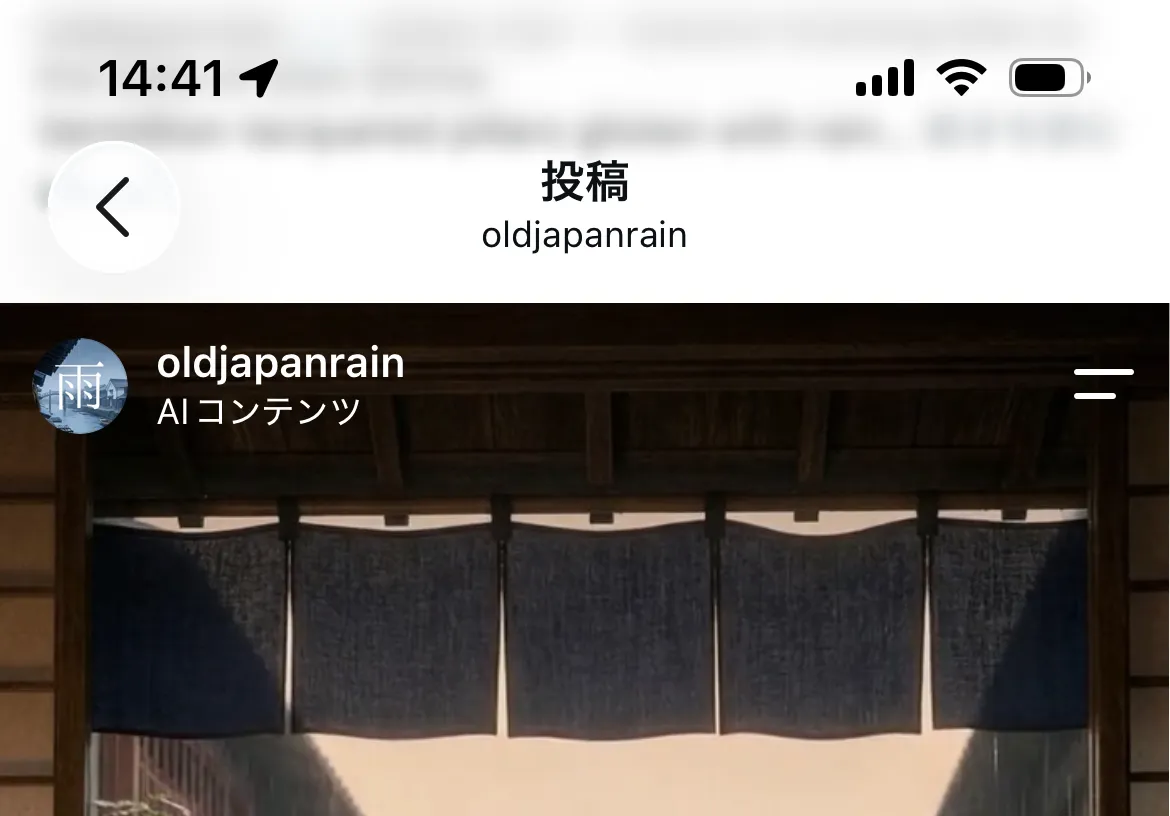
Instagram requires an “AI label” when posting AI-generated images or videos. When posting manually, you can simply toggle the “Add AI label” switch in the app.
However, when I checked the Reels published through the API on the Instagram mobile app, the AI label was missing entirely.
I opened the edit screen in the app to add the label after the fact, only to discover that once a Reel is published, there is no setting to add an AI label retroactively.
Checking Meta’s API documentation again revealed that the initial request when creating the media container must include the following parameter:
data = {
    'media_type': 'REELS',
    'video_url': video_url,
    'caption': caption,
    'is_shared_to_feed': 'true',
    'has_consumer_generated_ai_content': 'true',  # Required
}
To comply with platform policies, I manually deleted the Reels that had been posted without this parameter and re-published them through the API.
Where Automation Really Eats Your Time
Building this pipeline was a reminder that in modern API integrations, far more energy and time are spent aligning prerequisites for authentication and permissions than writing actual code.
The logic to upload and publish a video takes only an hour with standard libraries. But sorting through complex account dependencies across a major platform—along with outdated web tutorials and agent advice thrown off by UI updates—took several times longer.
Rather than staring at confusing dashboards and outdated documentation, calling the debug API to inspect the raw permissions on your token proved to be the shortest path forward.
If you are facing challenges with third-party API integrations or automated social pipelines, feel free to reach out to us. With firsthand experience building these workflows, we can help build dependable automation for your everyday operations.